




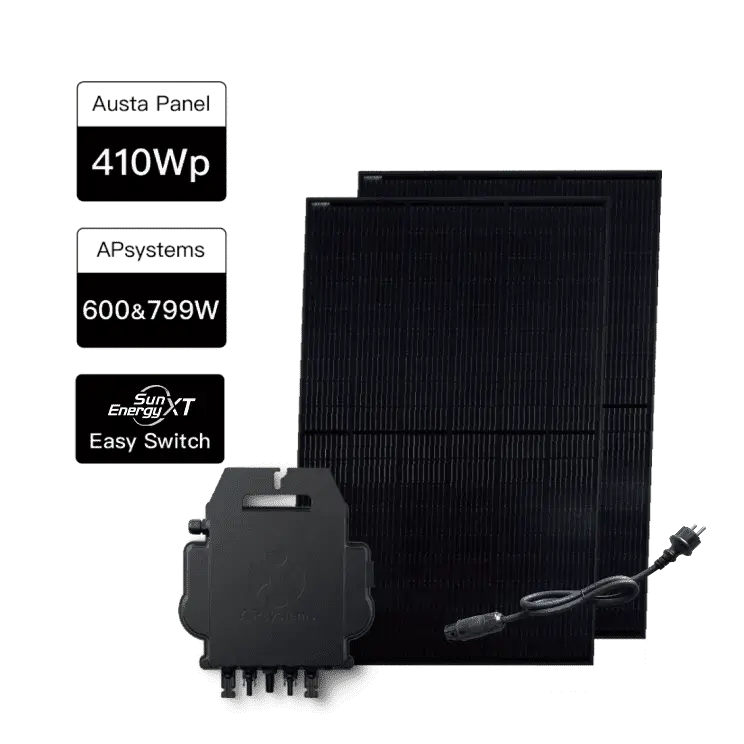


How to enable battery local mode and retrieve battery information?
Notes
Before proceeding, please ensure the following prerequisites:
- Your battery has been added to the SunEnergyXT App.
- Your battery is functioning normally and is online in the app.
If you have not yet completed the network configuration, please install the SunEnergyXT App and follow the instructions to complete the network configuration. App download link: https://www.sunenergyxt.com/download-app
Steps-1
Open the SunEnergyXT App and go to the "Me" page, then tap "Smart Home Hub".
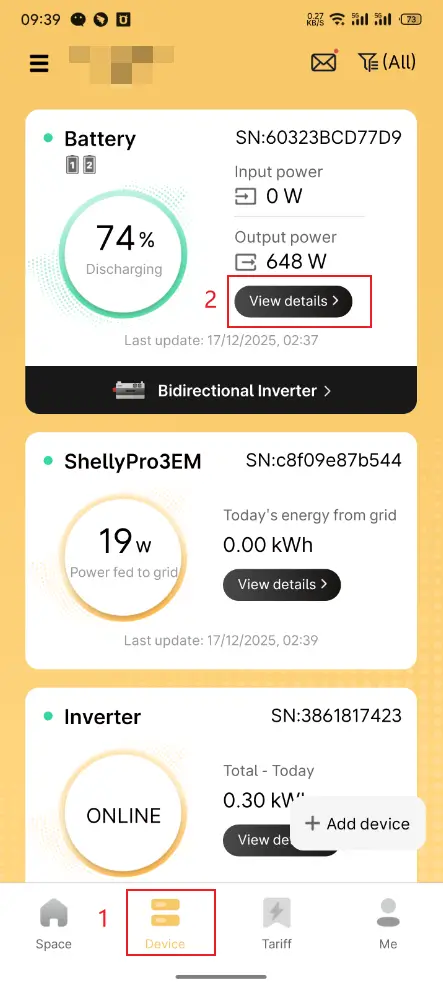
Steps-2
Tap "Home Assistant".
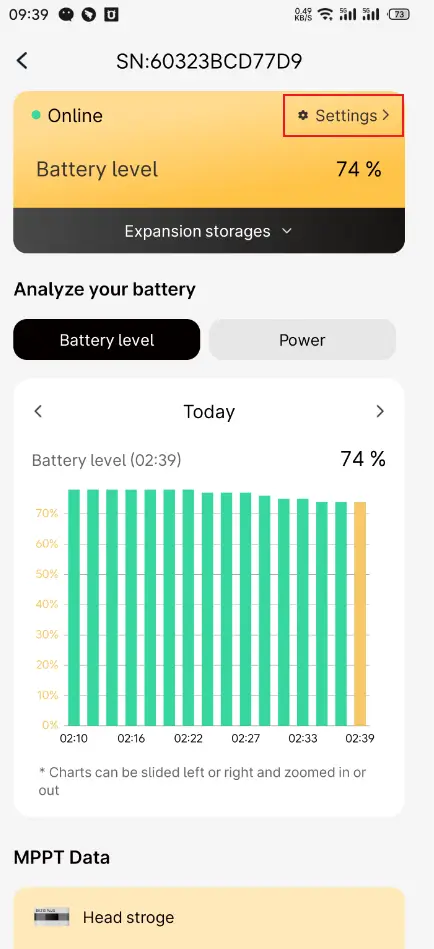
Steps-3
Find the corresponding battery in the list.
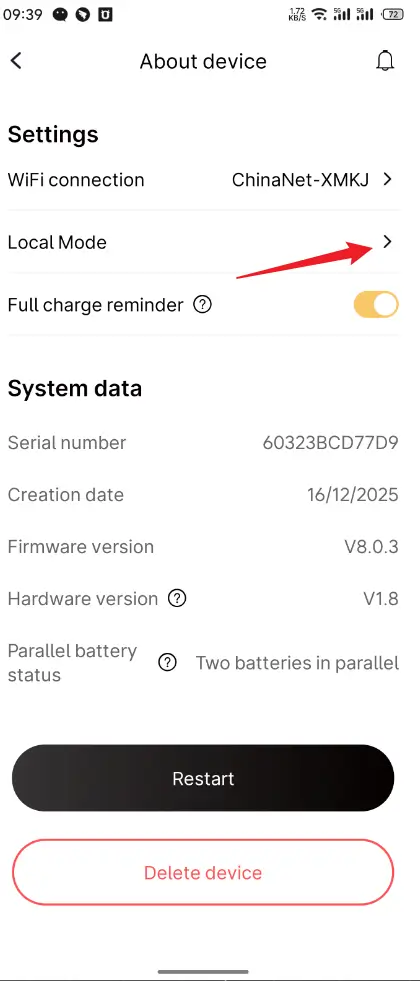
Steps-4
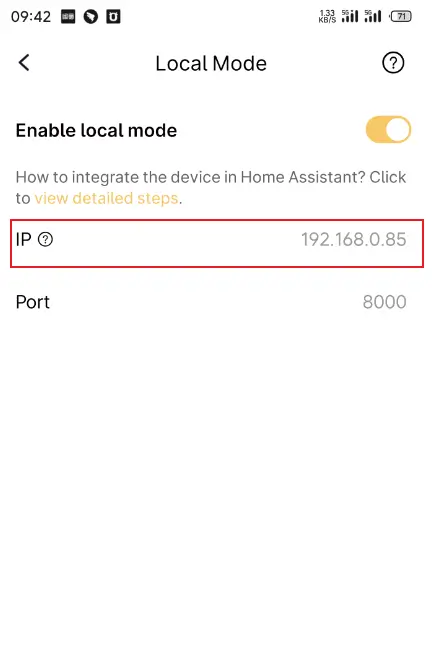
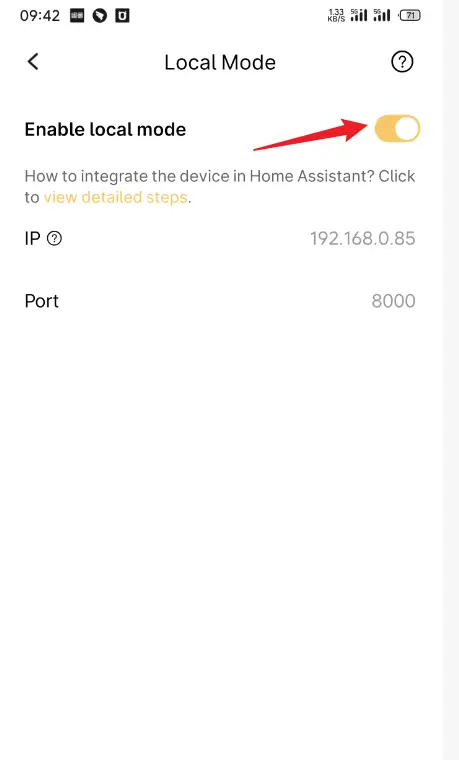
Press the switch to enable local communication for the battery.
Steps-5
After successfully enabling local communication, you will be able to view the IP address and port.